
SongbookPro Update - Winter 2026
The last few months have been busy for SongbookPro, with a number of new features and improvements being added. Most of the focus has been on SongbookPro Groups, but we have also been working on some major improvements to the SongbookPro app we hope will be ready for release in a few months.
Here are some of the highlights!
Cropping PDF files
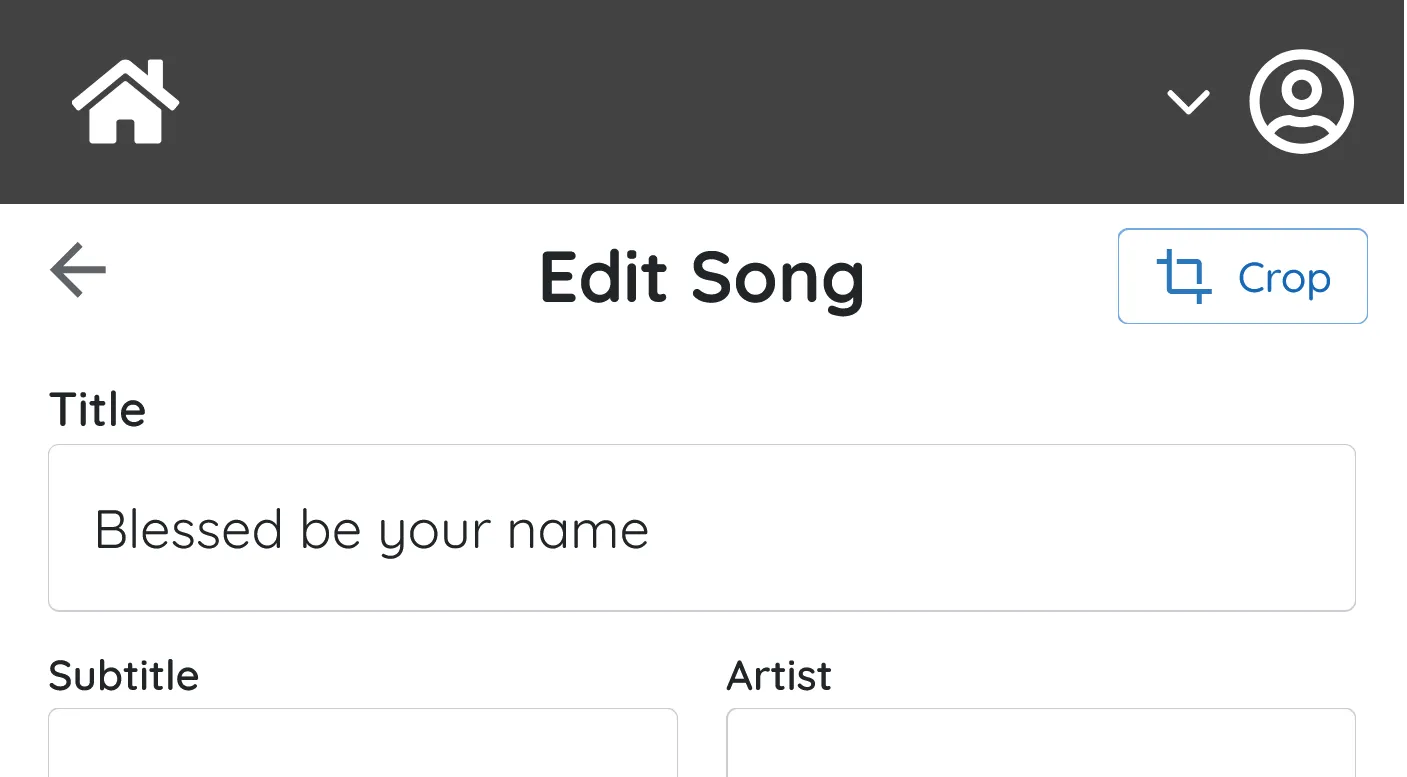
Cropping PDF based songs to maximise the viewing area of the song has been supported in the SongbookPro app for several years, but up until now it has not been possible to set or edit crops from within the SongbookPro Groups web interface.
SongbookPro Groups now supports both displaying cropped PDF files and also editing the crop of a song in your library, all from within the web interface. You can access this feature by clicking the new ‘Crop’ button on the song edit page.
Library analytics
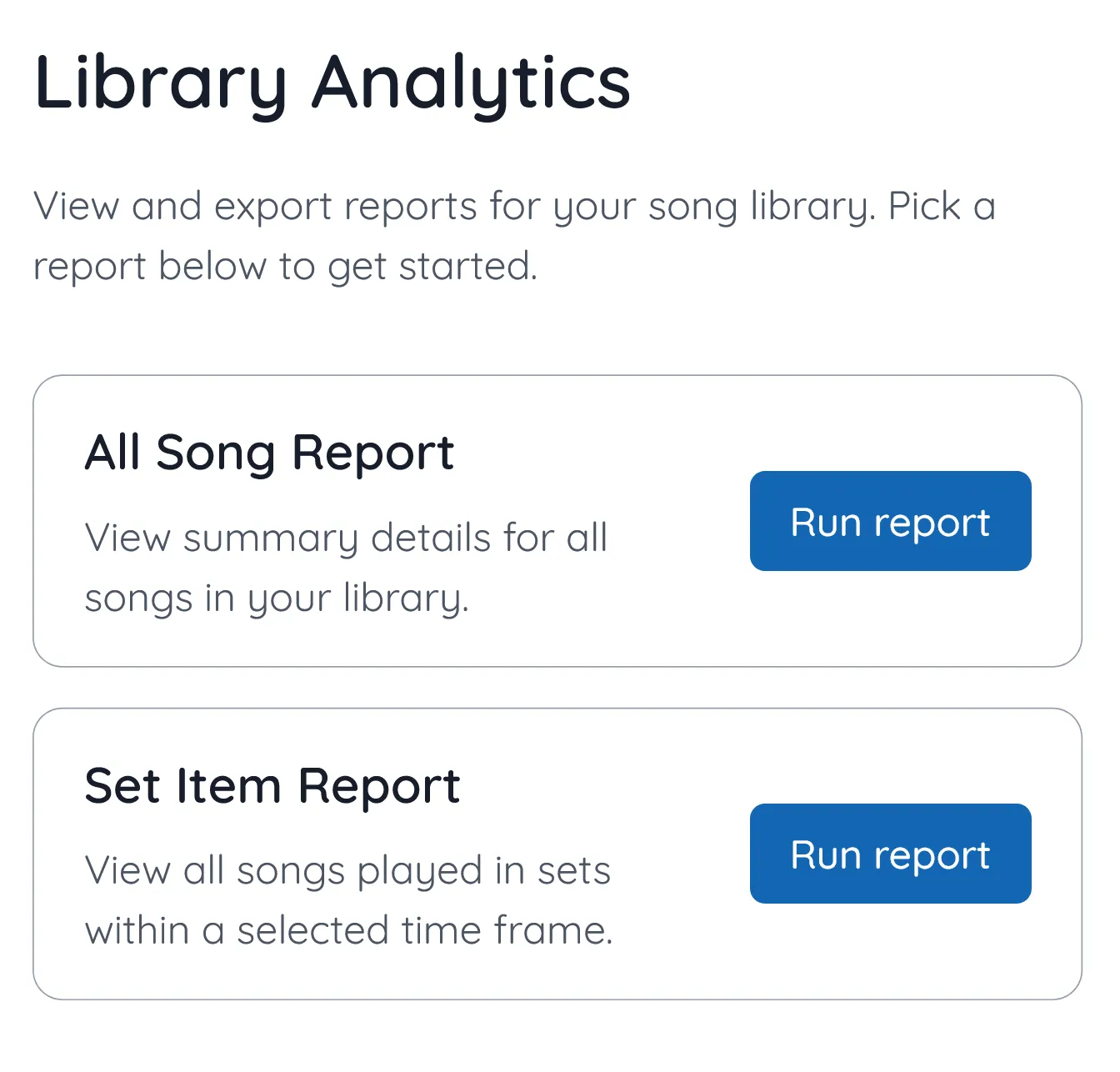
We have added a new ‘Library Analytics’ page to SongbookPro Groups which gives you a detailed analytics of your song library. Currently you can run the following reports:
- All songs report
Offers summary details of all the songs in your song library, including any copyright information and when it was last played. - Set item report
Provides information as to how frequently each song has been played over a selectable time period. Every time a song is in a set, it is counted as one play. This tool is useful for identifying under and over played songs, and helping streamline copyright reporting tasks.
All reports can be viewed in the SongbookPro Groups web interface or downloaded as an excel file.
The library analytics page can be accessed from the top right ‘Account’ menu.
Import songs while creating a set
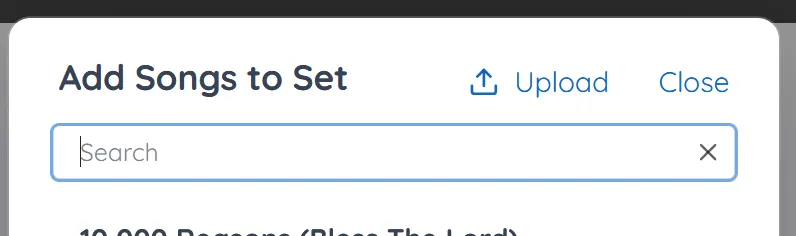
This is a small but very useful addition. It is now possible to upload songs to your song library while creating a set. Using the new ‘Upload’ button on set editor popup will upload the new file your library and add it to the current set in one action.
New to SongbookPro Groups?
Want to find out more about SongbookPro Groups? You can find out more by visiting our product page here: